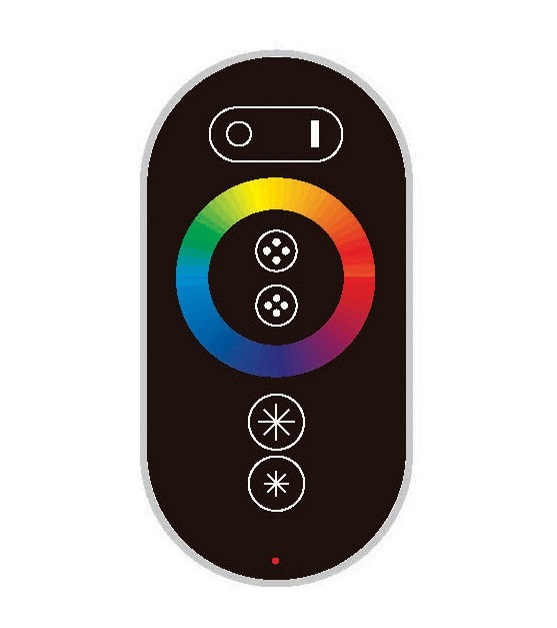
WiFi Wireless RGB LED Light Controller with Remote
SKU: VL-D015-SWC-2.4G-RGB
$56.00 · In stock
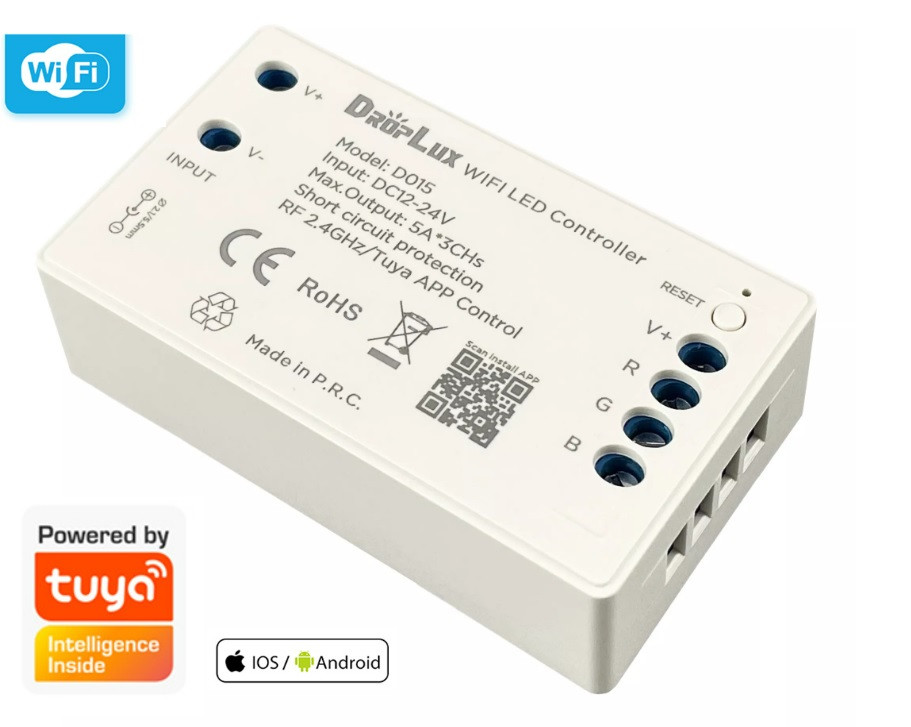
WiFi Wireless RGB LED Light Controller with Remote
How to use this WiFi Wireless RGB LED Light Controller?
1. Power your LED light sources.
Connect the RGB led light strip and the RGB led controller.
Supply power to the light strip and the controller.
2. Set up your WiFi.
3. Download the Tuya APP.
Start the device searching. It could take some time, if does not find the device, power on/off or make a reset.
4. Complete the setup and control your led lighting.
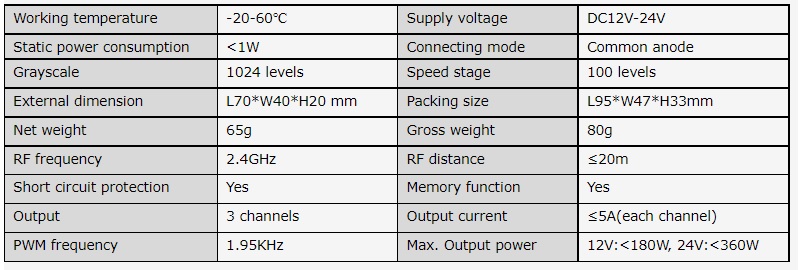


Remote Controller (optional)