
WiFi Wireless LED Light Dimmer with Remote

Contact Us for Assistance
- SKU:
- VL-D011-HX-SWC-2.4G-DIM
- Shipping:
- Calculated at Checkout


Description
How to use this WiFi Wireless LED Light Dimmer?
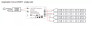
1. Power your LED light sources.
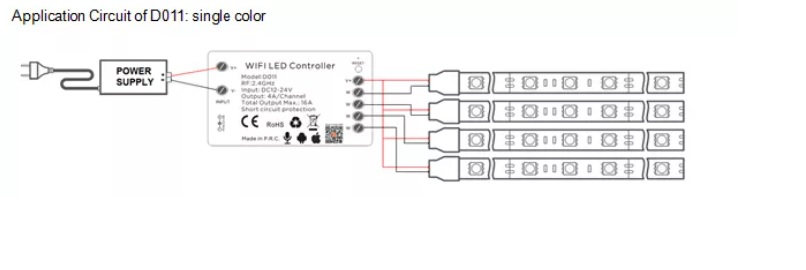
Connect the led light strip and the led Dimmer.
Supply power to the light strip and the controller.
2. Set up your WiFi.
3. Download the Tuya APP.
Start the device searching. It could take some time, if does not find the device, power on/off or make a reset.
4. Complete the setup and control your led lighting.

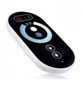
Remote Controller (optional)

Related Products
Related Products

SMD 3527 120 psc/m Non-Waterproof Temperature Adjustable 19.2W/m 24V
$25.20
The price is for 1 meter of strip. To purchase more than 1 meter, simply select the desired length at checkout.
This tunable LED strip light emits vibrant white light in temperatures ranging from...